Client call
Docs
A practical reference for the Ubigraph client side. What the call surface looks like, how vertex and edge attributes behave, and what to expect when you point old example code at a current Python interpreter.
Where to start
The Ubigraph documentation comes in two parts on this site. This page is the modern landing point. The original docs index lives at /ubigraph/content/Docs/index.html and contains the same material organised the way the original distribution organised it.
If you have never used a graph server before, read the section on the two-process model first. If you have used XML-RPC before and just want to see what the calls look like, jump straight to the call surface.
The two-process model, again
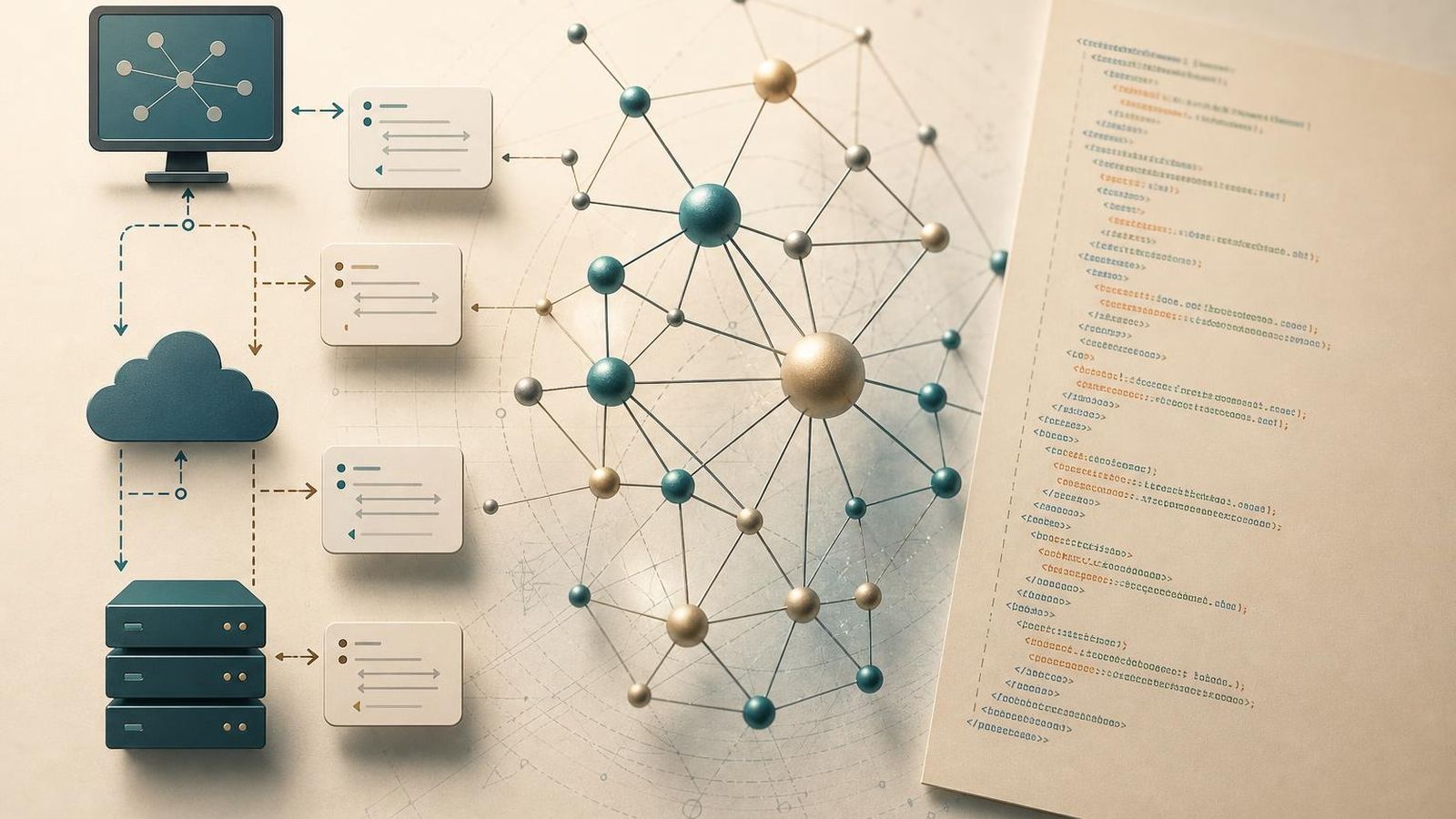
The whole thing makes more sense if you keep the split in mind. The viewer is one process. The client is another. They talk over a network port. Either side can be replaced without affecting the other.
That model has consequences for the API:
- Every call is a small instruction with a clear effect on the graph.
- There is no concept of a drawing loop on the client side.
- The client does not own the layout. The viewer does.
- The client owns the data. The viewer never has to ask where it came from.
A good way to think about it is that the client describes the graph in motion. The viewer is responsible for showing what that motion looks like.
The call surface
The set of calls is small and predictable. Names vary slightly between language wrappers, but the shape is the same.
- Add a vertex. Returns an identifier.
- Remove a vertex. Takes an identifier.
- Add an edge. Takes two vertex identifiers, returns an edge identifier.
- Remove an edge. Takes an edge identifier.
- Set a vertex attribute. Takes a vertex identifier, an attribute name, and a value.
- Set an edge attribute. Same shape, but for edges.
- Clear the graph. Removes everything.
Attribute names usually cover the obvious visual properties:
- colour
- label
- size
- shape
- style of an edge (solid, dashed, and so on)
- whether a label is visible
Most of what you do as a client comes down to repeatedly calling those routines.
XML-RPC, in short
If you have not written an XML-RPC client before, the practical shape is simple. You connect to a server by URL, call a remote method by name, and pass arguments. The server runs the method and sends back a return value. There is no streaming, no callback channel, no long-poll mechanism. Each call is a small request and a small response.
In Python, the standard library covers this completely through the xmlrpc.client module. The pattern is roughly:
import xmlrpc.client |
Other languages follow the same shape, with whichever XML-RPC client their ecosystem provides.
Vertex attributes
Vertex attributes are the part of the API you will use most often. A short list of the ones that come up repeatedly:
- colour. Accepts a hex string. Changes are immediate.
- label. A text string drawn near the node.
- size. A scalar. The viewer interprets it relative to the rest of the graph.
- shape. Sphere, cube, cone, and similar. Useful for marking node categories.
- visible. Booleans that let you hide a node without removing it.
The viewer applies attributes the moment it receives the call. If you change a colour and then change it again two calls later, the second change wins.
Edge attributes
Edge attributes are smaller in number but still useful:
- colour. Same idea as vertices.
- width. Useful for showing weight or importance.
- style. Solid, dashed, dotted. Helpful for distinguishing categories.
- directed. Whether the viewer draws an arrow.
- label. A short text near the middle of the edge.
A common pattern is to set edge style by category when you add the edge, then never touch it again.
Common patterns
A few patterns come up across many Ubigraph clients:
- Build then animate. Add all the nodes and edges first, then start changing attributes in response to events. The first phase is one-time setup. The second phase is the interesting part.
- Mark and clear. Highlight a small set of nodes by changing their colour, do something, then reset them. Useful for showing the state of an algorithm.
- Grow only. Never remove anything. Useful for showing how a graph evolves over time, where the historical state matters as much as the current state.
- Snapshot and reset. Clear the graph, rebuild it from a saved snapshot, and resume. Useful for stepping back through a long-running simulation.
These are not opinions. They are what you end up doing the first time you write a serious client.
Running old example code today
This is the awkward question. Most Ubigraph example code in the wild was written against Python 2. The XML-RPC parts translate to Python 3 without much effort, but the surrounding scripts often need work.
A short checklist when you sit down with old example code:
- Update print statements to print functions.
- Replace any
urllibimports with their Python 3 equivalents. - Check string encodings, especially anywhere that talks to the server.
- Replace
xmlrpclibwithxmlrpc.client. - Confirm the server URL still matches the viewer you are pointing at.
If your example code uses one of the language wrappers that shipped alongside the original distribution, expect to spend more time on environment than on logic. The shape of the calls is preserved, but the surrounding glue is the part that has aged most.
When to write your own client
If you only need a small set of behaviours - add a vertex, set a colour, add an edge - it is often easier to talk to the server directly through the XML-RPC client your language provides than to maintain a thicker wrapper. The protocol is small enough that wrapping it is mostly a matter of taste.
If you need a richer client - one with type checking, retries, or batching - a thin wrapper around the raw calls is the right shape. Keep the calls visible. Do not bury them in abstraction.
Where to go from here
- The exact docs index lives at /ubigraph/content/Docs/index.html.
- The demos index is the right next step once you have a client connected.
- The downloads page is the right next step if you still need to set up the viewer.
- The XML-RPC graph control lab note is a deeper write-up on the protocol shape.
If you hit a wall with old example code, the FAQ covers the questions that come up most often, including the Python 2 to Python 3 transition.