Client call
Docs index
The historical docs index, kept at its exact path and revised to read as a working map of how Ubigraph clients talk to the viewer. The shape of the API is the part that translates cleanly to modern tooling.
What this page covers
This is the documentation map. It explains the client and server model that Ubigraph uses, the small set of calls a client actually needs, and the way attributes work. It also notes the differences between running an old example as-is and reading the same example as a guide for current tooling.
For longer-form reading there is the modern docs landing page and a set of lab notes that go into specific areas. This page focuses on what you need to read the original examples sensibly.
The client and server model
Ubigraph runs as a viewer process. The viewer holds the graph and renders it. A separate client process tells the viewer what the graph is and how it should change.
The viewer is the slow camera. The client is the script that produces the scene.
The contract between them is small:
- The client speaks to the viewer over a network call.
- Each call either creates a vertex, creates an edge, sets a style, removes something, or clears the whole graph.
- The viewer applies the call and updates the picture.
That is the whole model. It is unusual for a 3D graph viewer to be this small. It is also the reason the demos translate so cleanly to current tooling - the API is short enough to recreate over any RPC mechanism you like.
The calls a client uses
A useful subset of the calls a client actually makes:
- Create a vertex and get back its id.
- Create an edge between two vertex ids.
- Remove a vertex or edge by id.
- Set an attribute on a vertex or edge (colour, shape, size, label).
- Define a style and apply it to a vertex or edge.
- Clear the whole graph.
There are more calls than that in the original API. The list above is the working subset. If you have those six, you can build any of the demos and most real-world examples.
XML-RPC, briefly
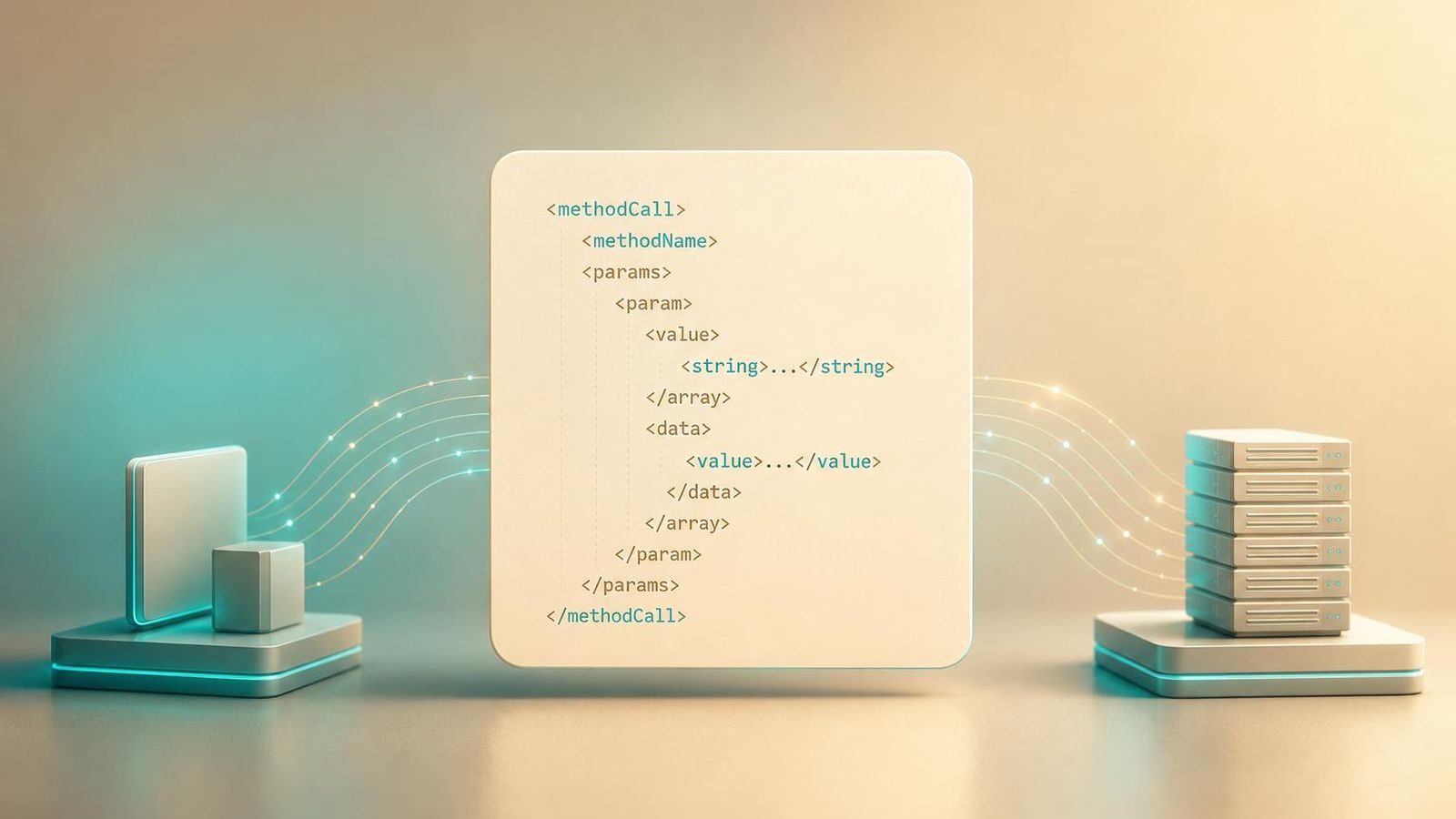
The original viewer exposes its calls over XML-RPC. That choice was reasonable at the time and is still reasonable today. XML-RPC is a small, well-specified protocol with mature clients in every common language.
Python ships an XML-RPC client in its standard library. The Python xmlrpc.client documentation is the right reference if you are writing or reading an XML-RPC client today. The translation from Python 2 to Python 3 is small - mostly the module name changed from xmlrpclib to xmlrpc.client. The call shapes are the same.
The XML-RPC graph control lab note walks through the translation in more detail, with examples.
A minimal client, in shape
You do not need to run the original viewer to understand what a client looks like. The shape is:
client = connect_to_viewer("http://localhost:20738/RPC2") |
A client is a script. The viewer is a server. The picture is the side effect.
Attributes and styles
There are two related concepts. Attributes are set per vertex or edge. Styles are named groupings of attributes that can be applied to a vertex or edge in one call.
Styles exist because graphs often need to look at the world in terms of categories. You do not want to set the colour, shape, and size of every node individually if those nodes all belong to the same category. You want to define a “category-A” style once and apply it.
A reasonable workflow is to define a small set of styles up front and refer to them by name as the client builds the graph.
Streaming changes
The viewer is designed to accept changes one at a time. A client that wants to animate a graph does so by sending a stream of small calls.
That choice matters. A viewer that wanted the whole graph in a single call could not animate gracefully. A viewer that accepts changes one at a time can keep the picture continuous through any amount of change.
The animation demo and the Ubigraph server and graph streaming lab note cover this in more depth.
Language wrappers
Wrappers existed for several languages at various points in Ubigraph’s life. The shape of any wrapper is the same: a thin layer over the XML-RPC client that maps the calls in the previous section to native functions.
Two cautions:
- Some of the historical wrappers are no longer maintained. The fact that a wrapper exists is not a promise that it still works on current language versions.
- Writing a fresh wrapper is small work. If you find yourself wanting one for a language that does not have a maintained wrapper, do not wait for the historical one. Write the six calls you need against the language’s XML-RPC library.
This page does not claim that any specific historical wrapper is currently maintained. The downloads page is the place to look for files; treat any wrapper there as a starting point rather than a finished product.
Running old examples on a current system
A few of the practical issues you may run into when reading or running an older example:
- Python 2 versus Python 3. Most of the original examples use Python 2. The
xmlrpclibimport becomesxmlrpc.client. Print statements become print functions. Almost nothing else changes. - Server address. The viewer historically listened on
http://localhost:20738/RPC2. On a current system you may need to confirm the port is available or change it. - Operating system differences. The original binaries targeted older OS versions. Running them on a current system is sometimes possible, sometimes not. The downloads page is honest about this.
- Network configuration. If your firewall blocks loopback on the relevant port, the viewer will appear to do nothing. This is usually the explanation when a previously-working example stops working.
How to read the demos as documentation
The three demos are documented on their own pages, but they also serve as documentation in their own right. The random graph demo shows the construction calls. The random binary tree demo shows the streaming pattern. The animation demo shows the continuous change model.
If you read those three with the docs map in mind, you have most of what the viewer asks of a client.
Where to go from here
If you came in from an old link, nothing has been moved. The docs index lives at the same path it has always lived at.